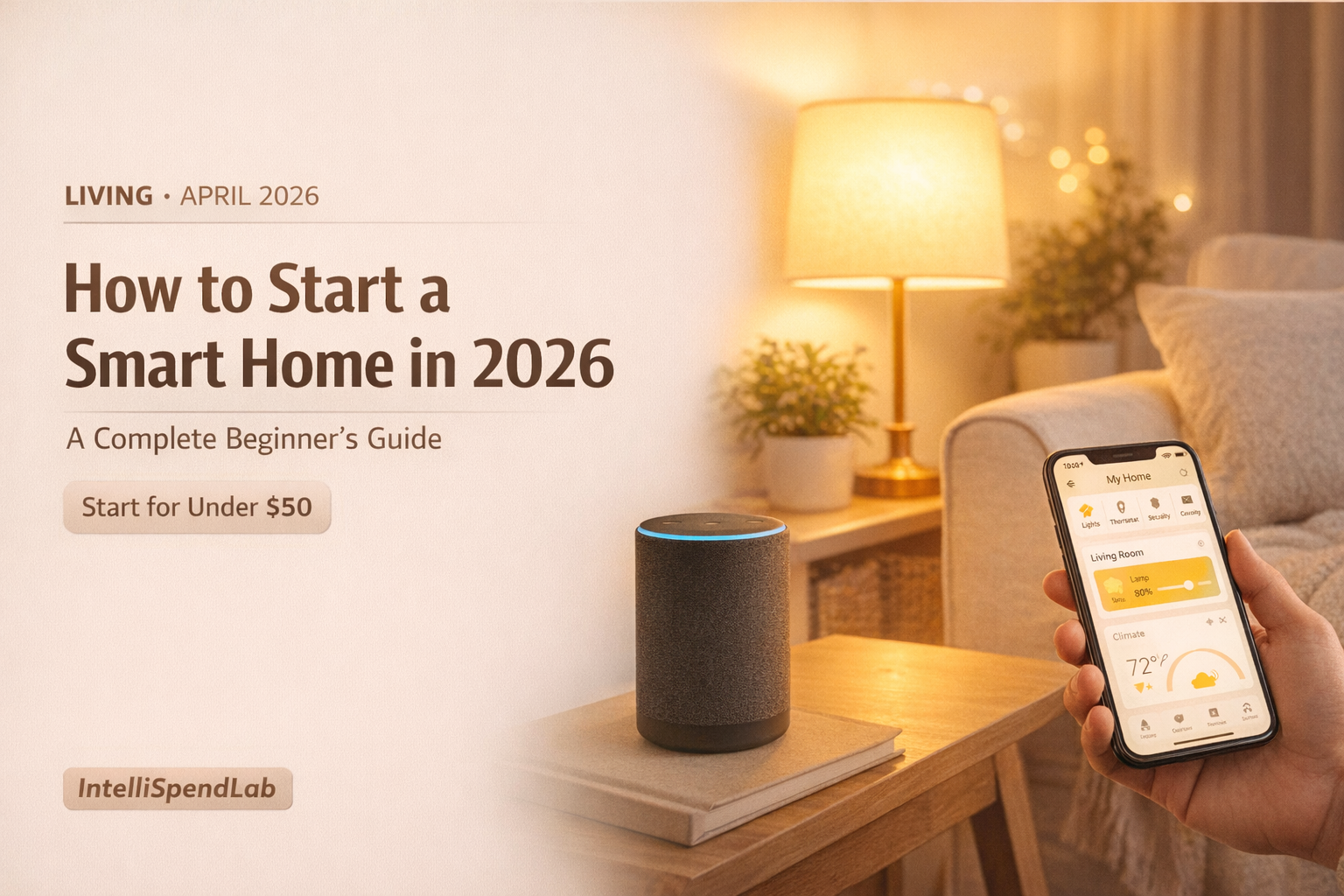
How to Start a Smart Home in 2026 — A Complete Beginner’s Guide
Published: April 17, 2026 | Category: Living · Tech
Smart homes look intimidating from the outside. Hundreds of devices, three competing ecosystems, compatibility charts, and terms like Matter, Thread, and Zigbee that mean nothing until you’ve already bought the wrong thing.
In reality, it’s much simpler than the industry makes it seem. You only need four devices to have a genuinely functional smart home. But there are a few things worth understanding before you spend a dollar.
Check This Before You Buy Anything
Nearly all budget smart home devices connect over 2.4GHz Wi-Fi. Before buying a single smart device, grab your phone and walk to the farthest room in your house. Open a speed test app. If you are getting at least 10 Mbps down and a stable connection, you are good. If the signal drops or the app spins for ages, your Wi-Fi needs attention before anything else — roughly 90% of affordable smart home devices connect over 2.4GHz, the slower, longer-range frequency your router broadcasts. The Home Picker
An unstable Wi-Fi connection is the single most common reason smart home devices frustrate new users. Fix this first.
Step 1: Pick One Ecosystem and Stick With It
An “ecosystem” is the voice assistant and app platform that ties all your devices together. When you say “turn off the living room lights,” the ecosystem is what interprets that command and sends it to the right device.
The three major options in 2026:
Amazon Alexa — the best starting point for most beginners. Not because it is technically superior — Google Assistant actually understands conversational questions better — but because the entry cost is the lowest, the compatible device list is the largest, and every budget smart home brand prioritizes Alexa support first. The Home Picker
Google Home — the better choice if you’re deep in the Android and Google ecosystem. Seamless integration with Google Calendar, Gmail, and YouTube. Voice recognition is slightly more natural for complex requests.
Apple HomeKit — the strongest privacy protection and the tightest Apple device integration. The downside: compatible devices are still more limited, and hardware costs roughly double those of the other two platforms.
The most important rule: pick one and commit. Buying an Echo Dot for the kitchen, a Google Nest Mini for the bedroom, and an Apple HomePod for the living room because each was on sale leaves you with three apps, three voice assistants, and devices that don’t communicate properly with each other. The Home Picker
What Is Matter — And Why It Matters for You
2026’s most important smart home development is the broad adoption of the Matter connectivity standard. If you’ve never heard of it, here’s the short version.
Matter is an open, royalty-free connectivity standard developed with backing from Apple, Google, Amazon, and Samsung that lets devices from different manufacturers work together natively. A Matter-certified smart plug from one brand pairs with your Google Home, your Apple Home, and your Amazon Echo — without needing three separate apps or cloud accounts. Technerdo
Practical advice: when buying any new smart home device, look for the Matter logo. It eliminates the vast majority of compatibility headaches that made smart homes frustrating to set up even a few years ago.
Matter doesn’t make smart homes perfect, but it removes one of the hardest parts: compatibility. Before, you had to worry constantly about what worked with what. Now you look for the Matter badge, and if it’s there, it can join your setup through your preferred controller. iLounge
The 4 Devices That Actually Make a Smart Home
1. A Smart Speaker — The Central Hub
A smart speaker is the voice control center for everything else. It’s how you issue commands without reaching for your phone, and it’s also where automations are set up and managed.
For Alexa users: Amazon Echo (4th gen, $99) or Echo Pop ($39). For Google users: Google Nest Audio ($99) or Google Nest Mini ($49).
The smart speaker becomes your command center. It lets you control other devices with your voice, check your schedule, and run automations — all hands-free. Smart Home Ahead
Cost: $39–$99.
2. Smart Plugs — The Cheapest Entry Point
A smart plug gives a regular device a brain transplant. You plug it into the wall, then plug your lamp or coffee maker into the smart plug — and now that “dumb” device is smart. You can turn things on and off from your phone, set schedules, and some smart plugs even track energy usage. Smart Home Ahead
Smart plugs require no installation, no tools, and no wiring knowledge. They’re also the easiest way to test whether you actually enjoy smart home automation before committing to larger purchases.
Cost: $15–$25 each.
3. Smart Bulbs — Instant Atmosphere Control
Smart bulbs screw in exactly like regular bulbs. No rewiring, no electrician. Just swap and connect.
The immediate benefits: dim the lights without getting up, shift from warm amber light in the evening to bright white during work hours, and set lights to gradually brighten in the morning as a gentler alarm than any phone sound.
One note on brands: Philips Hue is the gold standard for quality and reliability, but it requires a separate $50 Hue Bridge hub. For beginners, start with Wi-Fi-native bulbs like TP-Link Tapo or Wyze that connect directly without a hub — you can always upgrade later.
Cost: $10–$20 per bulb.
4. A Smart Thermostat — The One That Pays for Itself
A smart thermostat is the device that actually saves you money. Heating and cooling typically make up about half of your energy bill. A smart thermostat learns your schedule and adjusts temperatures automatically — not wasting energy when no one is home. Smart Home Ahead
Before buying: check whether your HVAC system has a C-wire (common wire). About 60% of US homes have one. If yours doesn’t, the Amazon Smart Thermostat includes a C-wire adapter in the box, making it the safest budget choice. The Home Picker
For Alexa households: Amazon Smart Thermostat (~$59). For Google households: Google Nest Learning Thermostat (~$130), which learns your schedule automatically after a week or two.
Cost: $59–$130.
A Real Automation Example
With just these four devices, here’s what a typical day can look like — set up once, runs automatically forever:
Morning (7:00 AM) → Smart bulbs gradually brighten to simulate sunrise → Smart plug turns on the coffee maker → Thermostat adjusts to your “wake up” temperature
Leaving home (detected by phone location) → Thermostat switches to energy-saving mode → All smart plugs for non-essential devices turn off
Evening (10:30 PM) → “Alexa, good night” triggers a single routine → All lights off, thermostat shifts to sleep temperature, specific plugs cut power
5 Mistakes Beginners Make
1. Buying too much at once. Start with two or three devices, live with them for a few weeks, then expand. Choose one real problem in your home and solve it with one or two well-chosen, Matter-compatible devices. You don’t need a grand plan on day one. iLounge
2. Mixing ecosystems. Alexa and Google devices in the same home create confusion and incomplete automations. Pick one.
3. Not checking for hub requirements. Some devices (older Philips Hue, some Zigbee sensors) require a separate hub to function. Look for “Wi-Fi” or “Works without a hub” before buying.
4. Skipping network security. Set up a separate guest network for your smart home devices. Keeping IoT devices off your main network meaningfully improves security without any cost.
5. Waiting for the “perfect” setup. The best smart home is the one you actually use. A smart plug you set up this weekend beats an elaborate plan that never gets started.
Budget Guide by Tier
| Budget | What to Buy | What You Get |
|---|---|---|
| Under $50 | 2 smart plugs + 2 smart bulbs | Basic scheduling and control |
| $50–$150 | Above + smart speaker | Voice control added |
| $150–$300 | Above + smart thermostat | Energy savings begin |
| $300–$500 | Above + video doorbell | Security layer added |
A smart home isn’t a project you finish — it’s something you build gradually as you figure out what actually improves your daily life. One smart plug is enough to start. The moment it works for the first time, you’ll wonder why you waited.