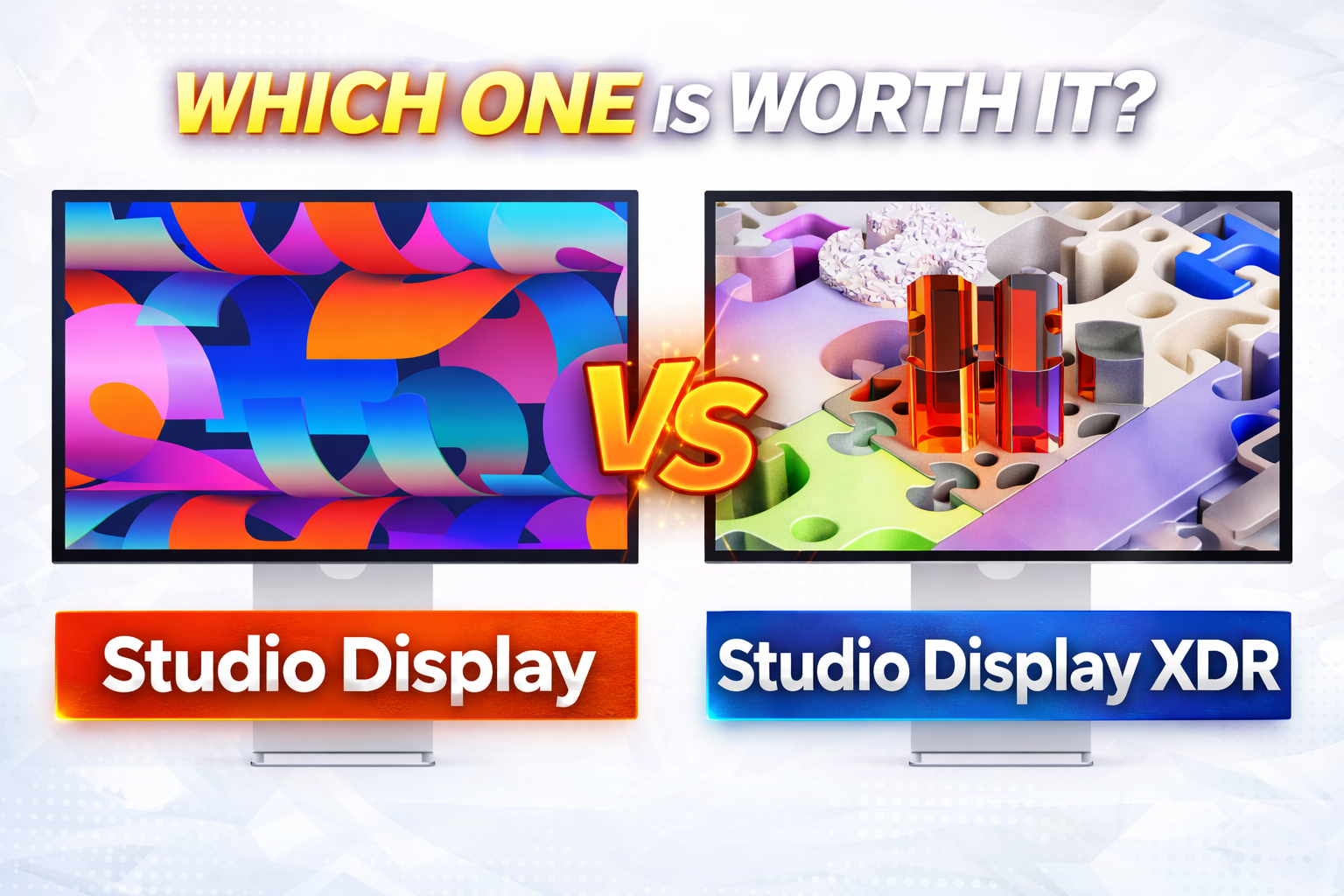
Studio Display vs Studio Display XDR (2026): Honest Comparison Before You Buy
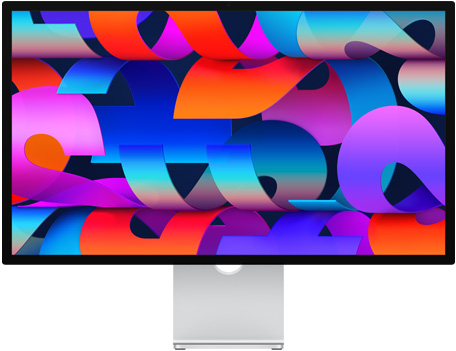
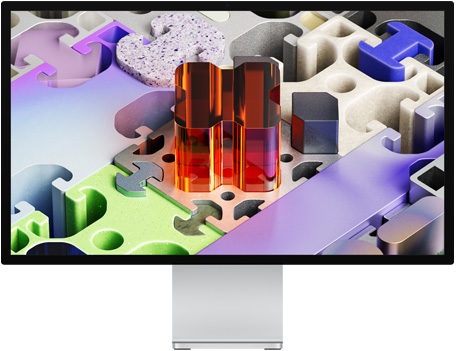
Apple now offers two 27-inch 5K displays that look similar at first glance — but in reality, they are built for completely different users. This is a no-hype, honest comparison of what actually matters before you spend $1,599 or $3,299.
You can check full specifications on Apple’s official website.
Core Specs Comparison
| Feature | Studio Display | Studio Display XDR |
|---|---|---|
| Size / Resolution | 27″ 5K (5120×2880) | 27″ 5K (5120×2880) |
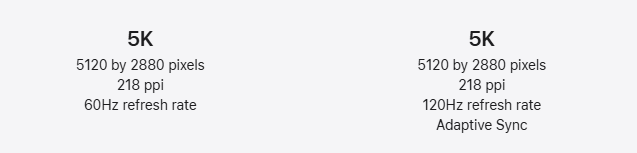
| Refresh Rate | 60Hz | 120Hz + Adaptive Sync |
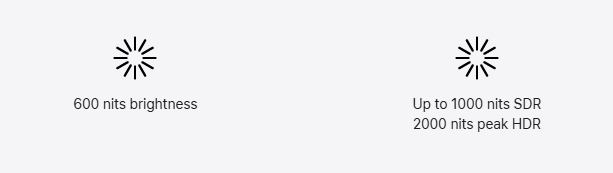
| Brightness | 600 nits | 1000 nits (SDR) / 2000 nits (HDR) |
| Contrast | Standard | ~1,000,000:1 (Mini-LED) |
| Backlight | LED | Mini-LED (2304 zones) |
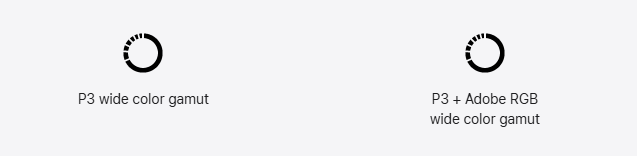
| Color | P3 | P3 + Adobe RGB |
| Ports | Thunderbolt 5 + USB-C | Thunderbolt 5 + USB-C |
| Camera / Audio | Same | Same |
| Price | $1599 | $3299 |
1. Display Quality: This Is the Real Difference
On paper, both are 5K displays — but that’s where the similarity ends.
The Studio Display uses a standard LED panel with 600 nits brightness. It looks great for everyday use, coding, and even light photo editing.
The Studio Display XDR uses Mini-LED with 2304 dimming zones, delivering dramatically better contrast, deeper blacks, and far brighter highlights. This is not a small upgrade — it’s a completely different class of display.
2. Brightness: 600 vs 2000 Nits (Huge Gap)
This is the biggest measurable difference.
- Studio Display: 600 nits (standard indoor use)
- Studio Display XDR: up to 2000 nits HDR
In real-world use, the XDR is significantly better in bright environments and essential for HDR workflows. If you don’t work with HDR content, this advantage is mostly wasted.
3. 60Hz vs 120Hz: Noticeable or Not?
The Studio Display is locked at 60Hz, while the XDR supports 120Hz with Adaptive Sync.
For general use (browsing, coding, office work), the difference is minor. But for motion-heavy tasks — video editing, animation, or gaming — 120Hz feels noticeably smoother and more responsive.
4. Color Accuracy: Only Matters for Specific Users
The Studio Display supports P3, which is already excellent for most users.
The XDR adds Adobe RGB, which only matters if you work in print, high-end photography, or professional color workflows. For most users, you won’t see a meaningful difference.
5. Features That Are Basically the Same
- 12MP Center Stage camera
- Three-mic array
- Six-speaker system with Spatial Audio
- Thunderbolt 5 + USB-C ports
You are not paying extra for better speakers or camera — those are identical.
6. Price Reality Check
You’re paying roughly double for the XDR. The question is simple: do you actually need what it offers?
- If you don’t use HDR → wasted money
- If you don’t need 120Hz → minimal benefit
- If you don’t do color-critical work → no real advantage
👉 Check latest pricing on Apple official page
Who Should Actually Buy Each?
- Buy Studio Display if: You want a premium Mac monitor for daily use, productivity, and light creative work.
- Buy Studio Display XDR if: You are a professional working with HDR, color grading, VFX, or high-end content production.
Final Verdict (Honest Take)
The Studio Display is the better value for 90% of users.
The Studio Display XDR is objectively superior — but only worth it if your work actually demands it. Otherwise, you’re paying double for features you won’t fully use.
Read our full Studio Display XDR review here.
👉 Still unsure? Compare Studio Display and Studio Display XDR on Apple’s official page